Photo Restoration
Repairs scratches, creases, and spots on damaged prints, gently and automatically.
AI Photo Enhancer
Pixelift helps restore scratches, sharpen faded details, and add natural color to old photos — right in your browser. No app install needed.

Drag the slider — sample photo enhanced with Pixelift.
Free to try · No sign-up required · Works on iPhone & iPad
What it does
Four focused tools, designed for the photos that matter most.
Repairs scratches, creases, and spots on damaged prints, gently and automatically.
Sharpens blurry faces and brings back texture lost to time, motion, or low resolution.
Adds plausible, natural-looking color to black & white photos — no manual painting.
Removes distractions and isolates your subject, so the focus stays on the people.
How it works
Pick any photo from your camera roll or files. JPG, PNG, and HEIC are supported.
Restoration, sharpening, and colorization run automatically — usually in seconds.
Compare before and after, then save the result or share it with family.
Sample results
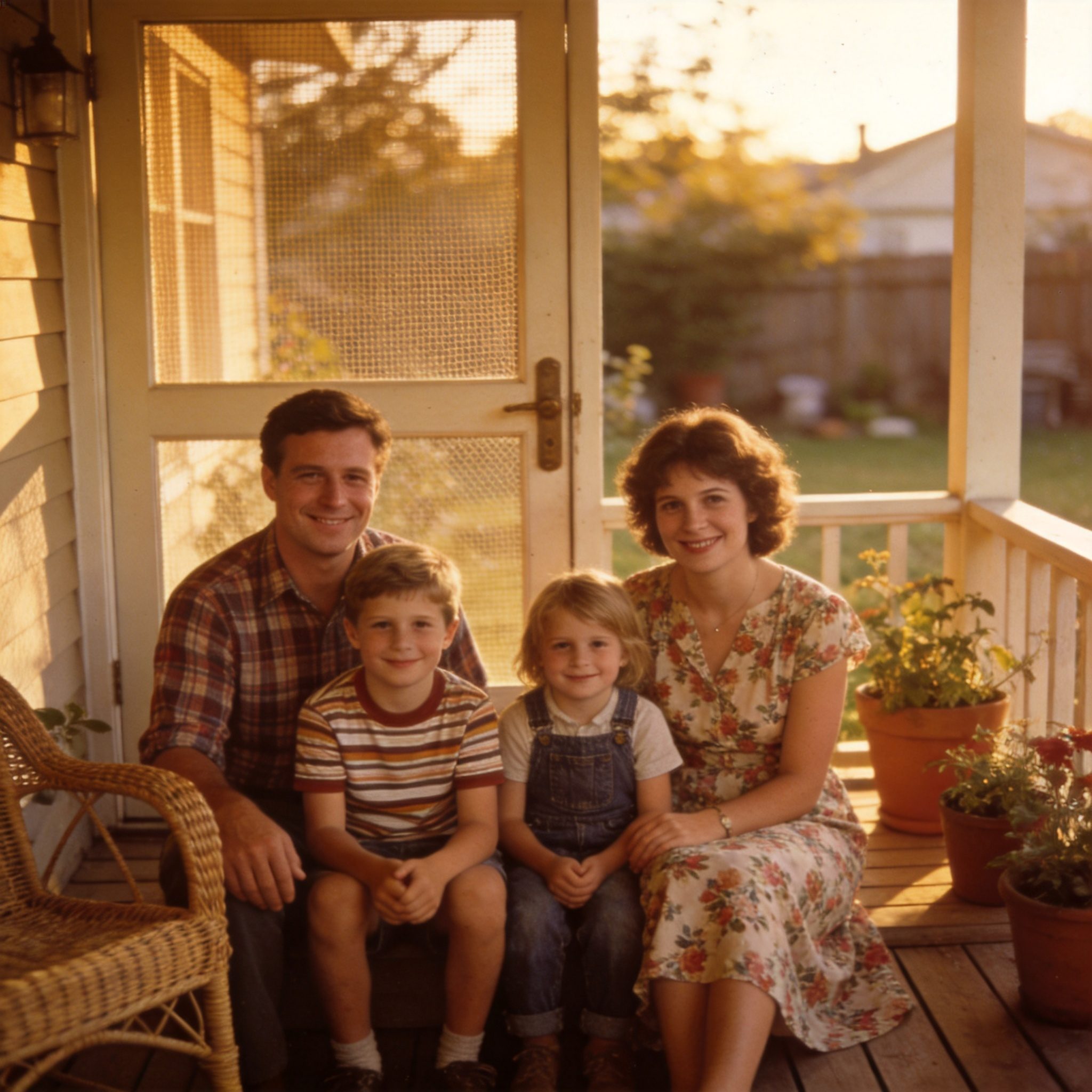
Sample photos processed with Pixelift. Results vary by photo condition.


Questions
You can try enhancing your first photos for free, no sign-up required. Optional paid plans unlock higher resolution exports and batch processing.
No. Pixelift runs entirely in your browser — nothing to download from the App Store. On iPhone and iPad, we recommend Safari for the smoothest experience.
Pixelift works in any modern browser. On iPhone and iPad we recommend Safari — in-app browsers (like the one inside Facebook) restrict photo uploads and downloads, while Safari gives you the complete toolkit.
Photos are processed over an encrypted connection and automatically removed from our servers within 24 hours. We never use your photos for advertising or share them with third parties.
JPG, PNG, and HEIC files up to 20 MB. Scanned prints work well too — for best results, scan at 300 DPI or higher.
Try Pixelift on your first photo — free, no sign-up required.